Material Extrusion Rates
Understanding the physical and digital variables behind material flow is crucial for eliminating under-extrusion and achieving dimensional accuracy in complex additive manufacturing trials.
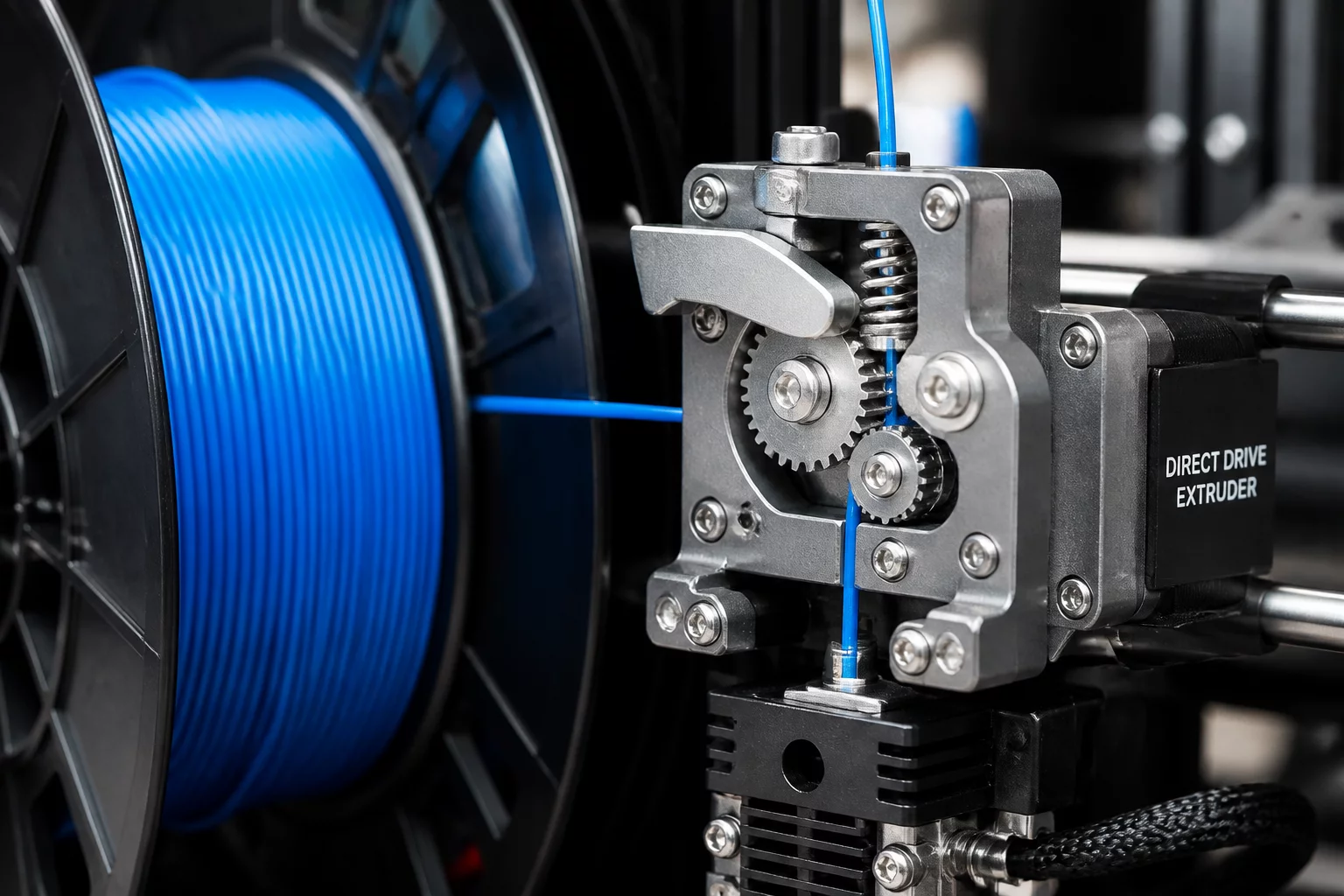
Extrusion rate, often referred to in slicers as Flow Rate or Extrusion Multiplier, is the setting that governs how much plastic the printer pushes out relative to its calculated movement. While the hardware translates digital commands into physical motor steps, the software must account for variations in filament diameter and the unique rheological properties of different polymers. Precise flow management is the difference between a structurally sound industrial part and a failed prototype with internal voids.
Distinguishing Mechanical Calibration from Software Multipliers
Effective material extrusion requires a two-step verification process. He must first calibrate the extruder steps-per-millimeter (E-steps) in the machine firmware. This mechanical baseline ensures that if the system requests 100mm of filament, the drive gears physically feed exactly 100mm. Once he locks this hardware constant, use the slicer’s flow rate to perform granular adjustments. It compensates for the way specific materials behave; for instance, a spool of PLA might require a 95% flow rate due to expansion, whereas a soft TPU might require 110% to overcome friction within the feeding tube.
Symptoms of Volumetric Mismatch
Identifying incorrect extrusion rates relies on visual and tactile inspection of the printed layers. Under-extrusion manifests as thin perimeters that do not bond, visible gaps on the top solid layers, or a "sponge-like" texture that lacks structural integrity. Conversely, over-extrusion creates excess plastic buildup, often resulting in rough surface finishes where the nozzle plows through previous layers, or dimensional inaccuracies that cause interlocking parts to seize.
- Shell Integrity: Check for separation between the outer wall and infill patterns.
- Dimensional Tolerance: Measure the thickness of a single-wall test print to verify if it matches the slicer's nozzle width setting.
- Surface Uniformity: Look for consistent extrusion width across various print speeds.
The Role of Filament Diameter Consistency
Even a perfectly calibrated machine will produce variable results if the filament diameter fluctuates. Most professional-grade slicers assume a standard 1.75mm or 2.85mm diameter, but real-world manufacturing tolerances often allow for +/- 0.05mm. A deviation as small as 0.03mm can significantly alter the volume of plastic delivered to the hotend. It is recommended to take measurements at five different points along the spool and average them before entering the value into the trial documentation.
Trial Discussion
1James D. Sterling
07/28/2026Adjusting flow rate solved our dimensional accuracy issues with PETG. It is often overlooked in favor of temperature, but the physical volume is the real driver for part strength and fit.
Add to the Context
To leave a comment, please log in to your account.