Layer Adhesion Context
Analyze mechanical strength, polymer crystallization, and key slicer parameters that govern layer bonding in extrusion trials.
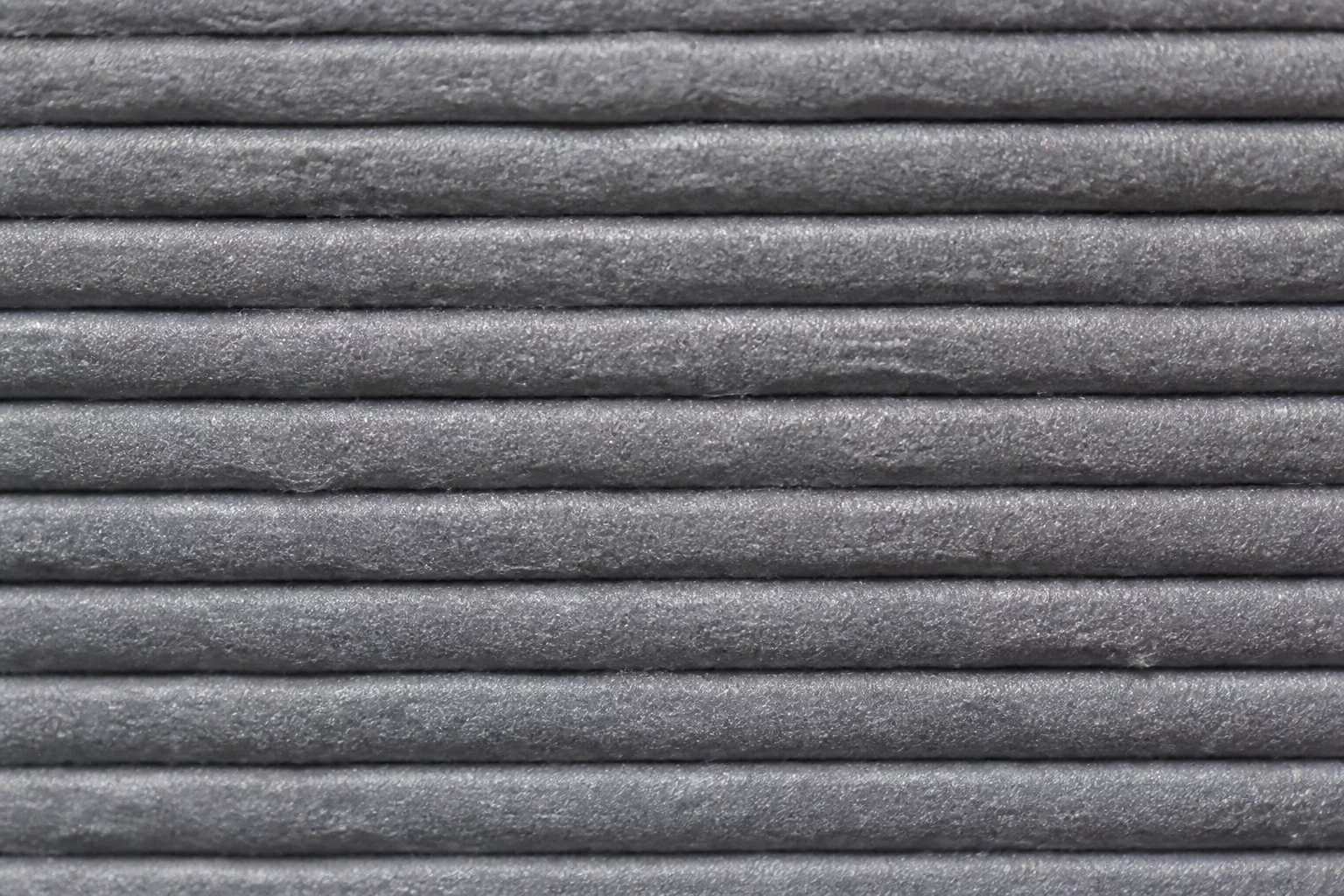
Layer adhesion determines the mechanical strength and integrity of 3D printed parts. In FDM printing, successive layers of molten polymer must bond thermally and physically to create an isotropic-like solid block. Poor adhesion results in delamination, warping, and fragile components that break easily under load. Maximizing this molecular diffusion requires fine-tuning the balance between nozzle temperature, cooling rates, and layer height.
The Thermodynamics of Layer-to-Layer Bonding
Polymer chains cross the interface between the newly extruded filament and the solidified layer underneath. This diffusion happens only when the interface temperature remains above the glass transition temperature of the material. When the print head deposits hot filament, heat transfers rapidly into the colder layer below. This heat briefly melts the surface of the underlying layer, allowing polymer chains to entangle. Fast cooling rates stop this entanglement process prematurely, which leaves weak boundaries between layers.
Primary Factors Affecting Interlayer Adhesion
Several printer settings in Cura directly control the strength of layer bonds:
- Extrusion Temperature: A higher nozzle temperature lowers the viscosity of the polymer and increases the mobility of the molecular chains. This promotes deeper diffusion across the interface.
- Cooling Fan Speed: Excessive cooling prevents the interface from staying hot long enough for adequate molecular mixing. Turn down the fan speed for materials like PETG, ABS, and Nylon.
- Layer Height: Thinner layers increase the contact area between paths. They also squeeze the filament more, which pushes the molten plastic into the microscopic irregularities of the previous layer.
- Print Speed: Slower speeds give the nozzle more time to transfer heat to the layer below, which raises the interface temperature.
Step-by-Step Instructions to Diagnose and Improve Adhesion
Follow these diagnostic steps to evaluate and solve delamination issues in your trials:
- Print a simple single-walled cylinder in vase mode. This isolates layer adhesion from other issues like infill or retracts.
- Apply physical force to the printed cylinder by compressing it manually. Observe if it splits cleanly along the layer lines or tears diagonally.
- Increase the print temperature in increments of five degrees. Do not exceed the safe thermal limit of the filament.
- Reduce the cooling fan speed in the cooling menu. Set it to zero for ABS and maintain a maximum of thirty percent for PETG.
- Calibrate the extrusion multiplier. Under-extrusion reduces the flow rate and creates small gaps between layers, which severely weakens the bond.
- Verify the filament moisture content. Wet filament releases steam during extrusion, which creates voids and interrupts the continuous polymer structure.
Trial Discussion
2James D. Sterling
08/04/2026The precision of the industrial design system described here is exactly what we need for our aerospace prototypes. The integration between technical handoff and the visual hierarchy looks seamless.
Add to the Context
To leave a comment, please log in to your account.