Cooling Fan Dynamics
Understanding the critical role of active airflow in material solidification and dimensional accuracy during additive manufacturing trials.
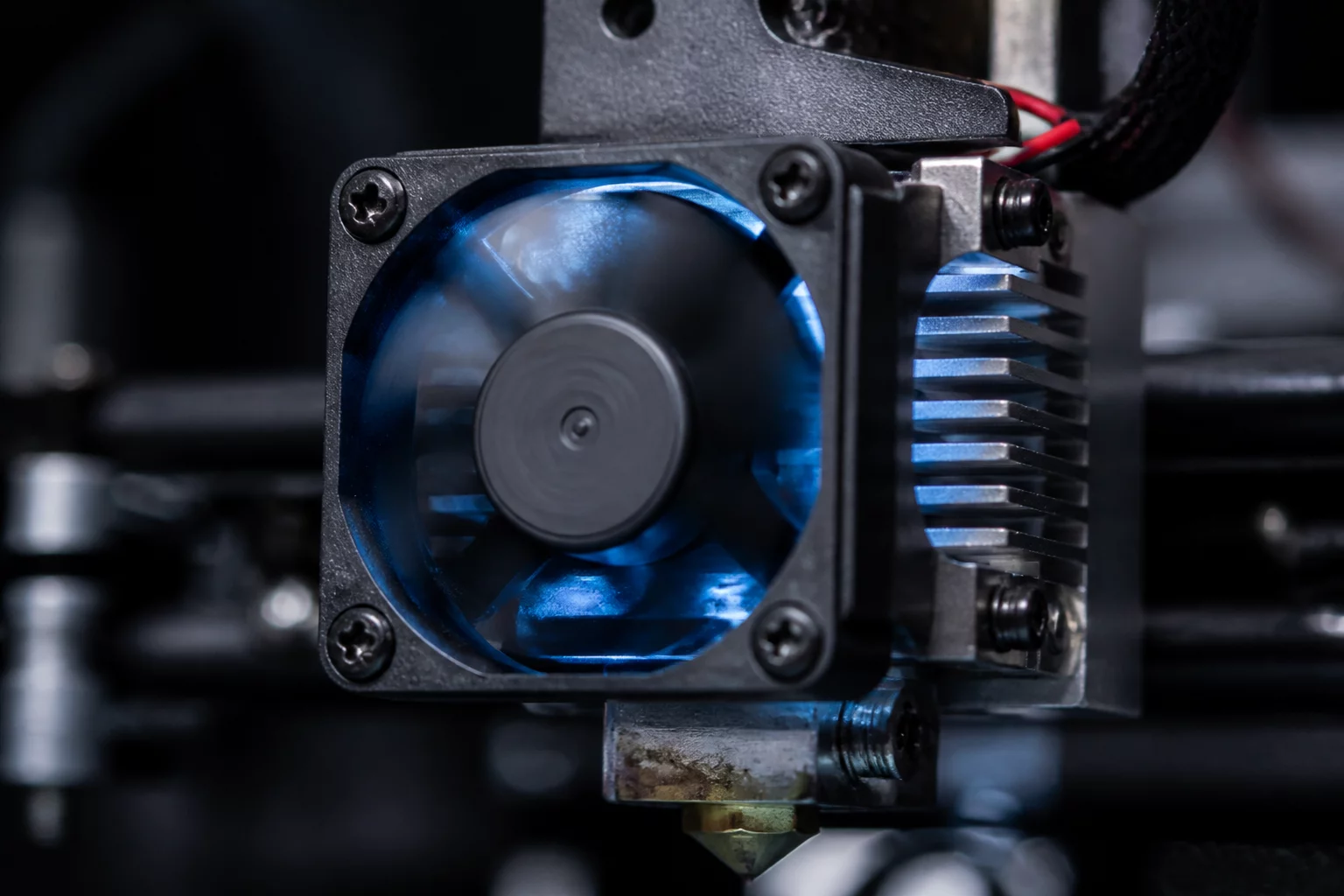
Cooling fan dynamics regulate the transition of filament from a molten state to a solid structure. Efficient heat management is the primary factor in achieving sharp overhangs and clean bridges without structural sagging. In industrial FDM trials, the cooling strategy determines the balance between visual precision and mechanical strength.
The Mechanics of Active Cooling
Temperature gradients at the nozzle tip must be managed precisely. Excessive cooling often leads to brittle layer interfaces because the plastic solidifies before it can fuse with the preceding layer. Conversely, insufficient cooling results in 'blobbing' and loss of fine geometric detail, especially on small features. The fan speed is typically modulated based on the layer time; shorter layers require faster airflow to dissipate heat before the nozzle returns to the same coordinates.
Bridging and Overhangs
Effective bridging relies on a sudden decrease in material temperature. When the extruder spans an air gap, the cooling fan must ramp up to its maximum capacity to freeze the filament in place instantly. This prevents gravity from pulling the molten strand downward. Our trials indicate that a 20% increase in fan speed during bridging maneuvers can reduce sagging by up to 40% in standard PLA prints.
Layer Adhesion vs. Cooling Speed
There is a distinct tradeoff between the aesthetic quality of a part and its functional durability. While 100% fan speed produces the smoothest surface finishes, it significantly reduces Z-axis tensile strength. Engineers must decide whether the part's role is purely visual or if it needs to withstand mechanical loads. For load-bearing components, reducing fan speed to 30-50% allows for better thermal bonding between layers, though it may necessitate more robust support structures.
Trial Variables for Fan Speed
When documenting cooling trials, record these specific settings in your revision notes:
- Initial Layer Cooling: Usually set to 0 to ensure maximum bed adhesion.
- Regular Fan Speed: The baseline airflow for standard geometry.
- Threshold Layer Time: The duration that triggers increased cooling for small parts.
- Material-Specific Constraints: ABS requires minimal airflow to prevent warping, whereas TPU needs moderate cooling to prevent stringing.
Trial Discussion
0No comments yet. This could be your first observation added to the context.
Add to the Context
To leave a comment, please log in to your account.